
Set your listings to "Single Use Premium" through PropSpace
At the end of 2019 we announced the launch of a
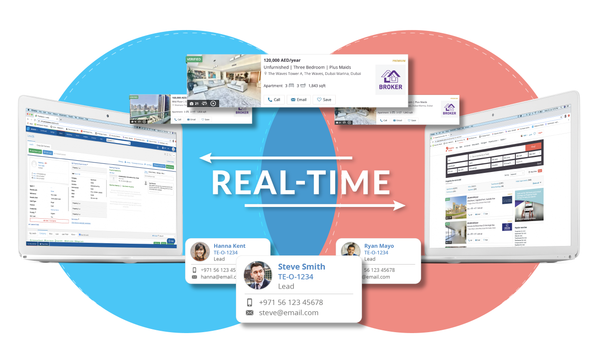
real-time API integration with Property Finderto allow the changes you make to your listings in PropSpace to be reflected immediately on the Property Finder website.
Today we are delighted to let you know that we have made an update to this integration to allow you to set your listings as "Single Use Premium" directly from the PropSpace Listings Screen.
In addition, you can now also see how many Featured and Premium credits you have remaining against your Property Finder account.
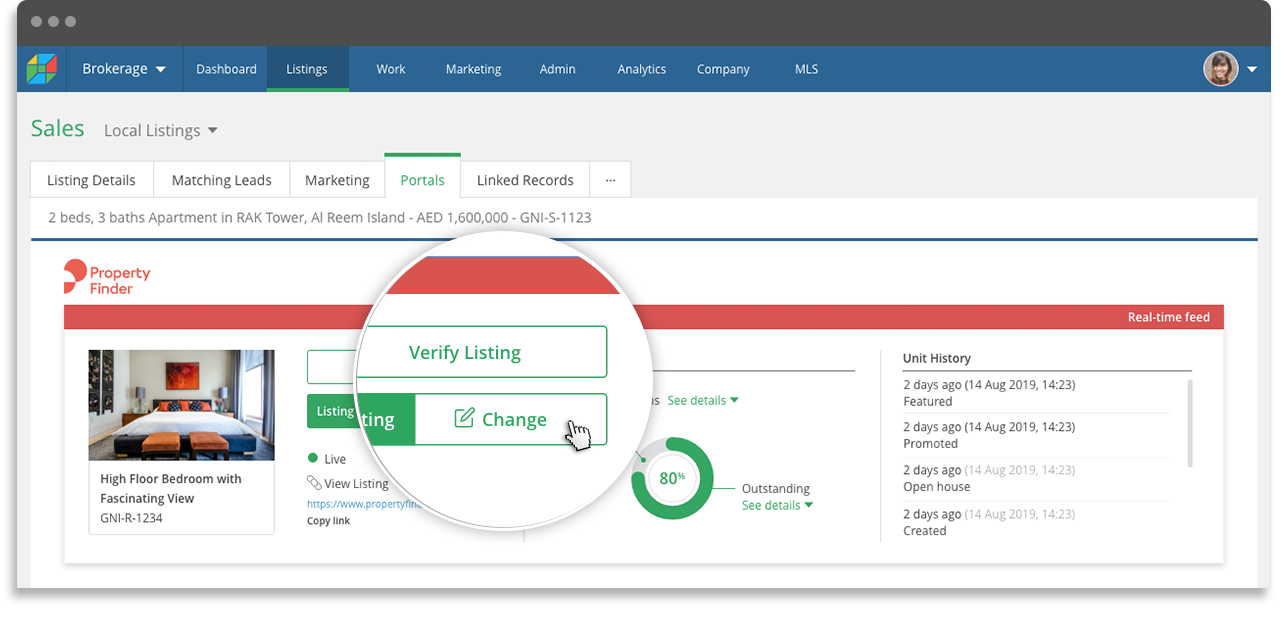
Here is a quick overview of how it works:From the Portals tab on the Listings Screen, click the 'Change' button and a popup window will launch.
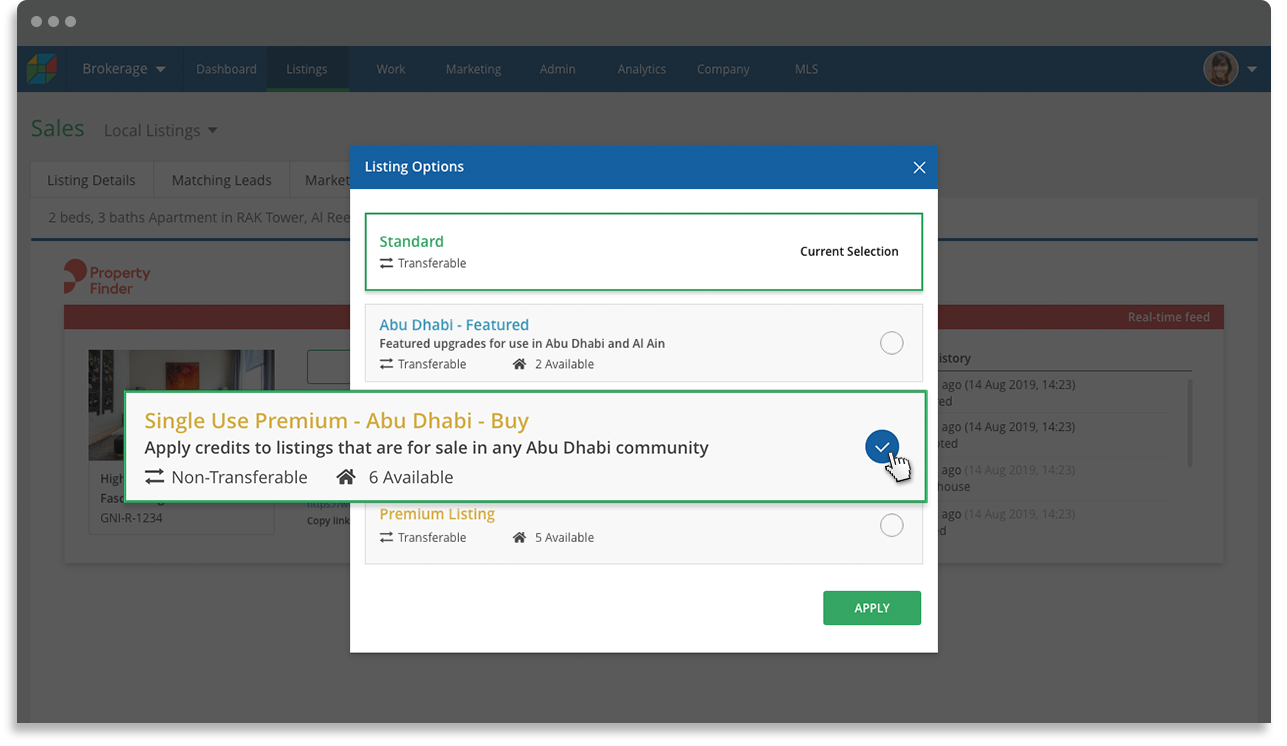
Select the type of promotional credit you would like to use. In this case select "Single Use Premium". Note: you will see how many credits you have available. If you have used all your credits, you should contact your Property Finder Account Manager to update your quota.
Click the 'Apply' button to proceed.
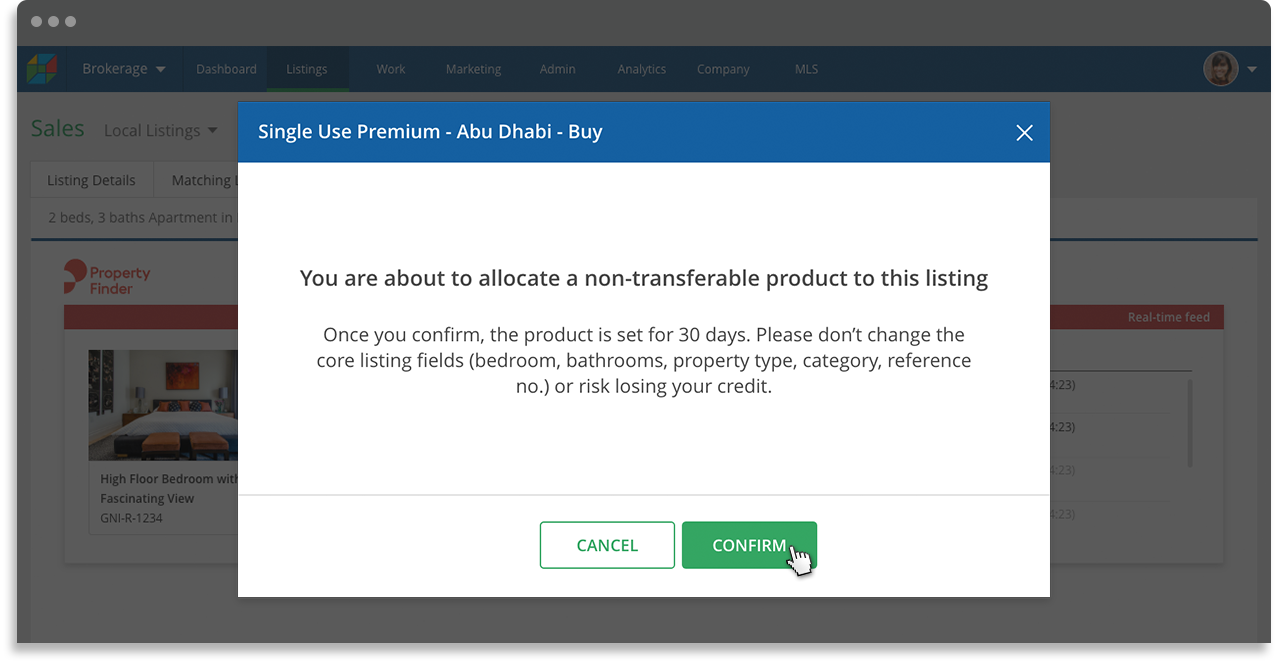
A popup message to confirm your selection will state that '
You are about to allocate a non-transferable product to this listing'.Click 'Confirm' to proceed.
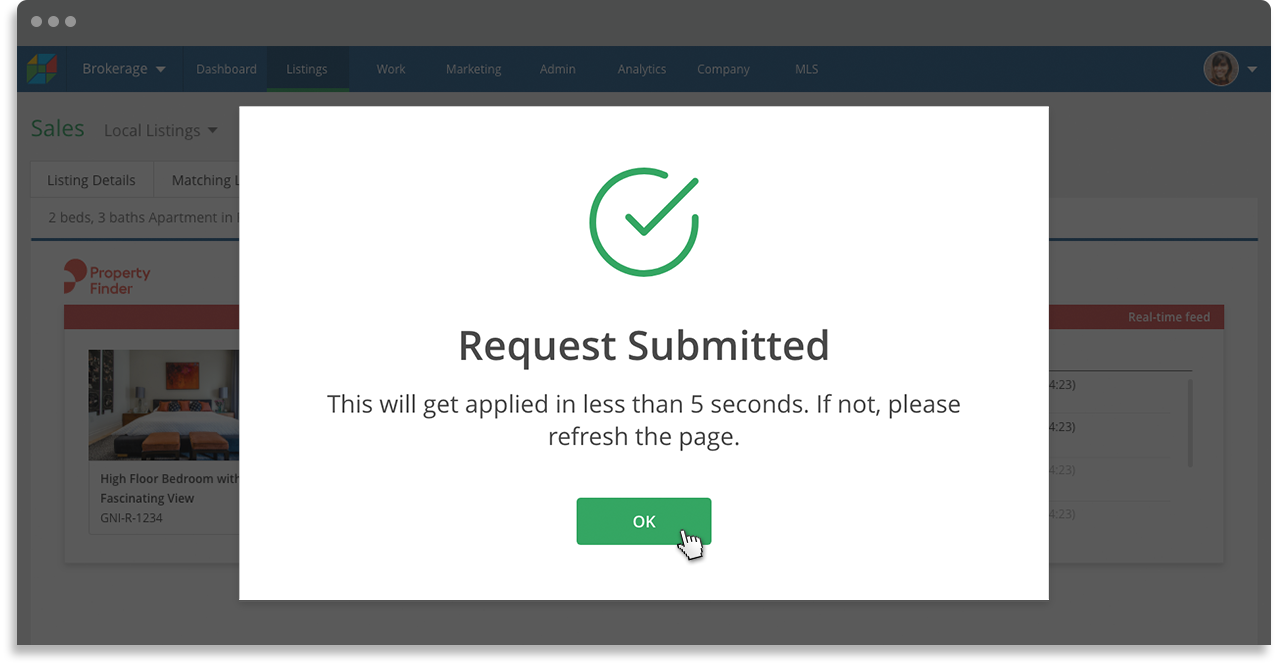
A success message will display confirming your listing has been updated.
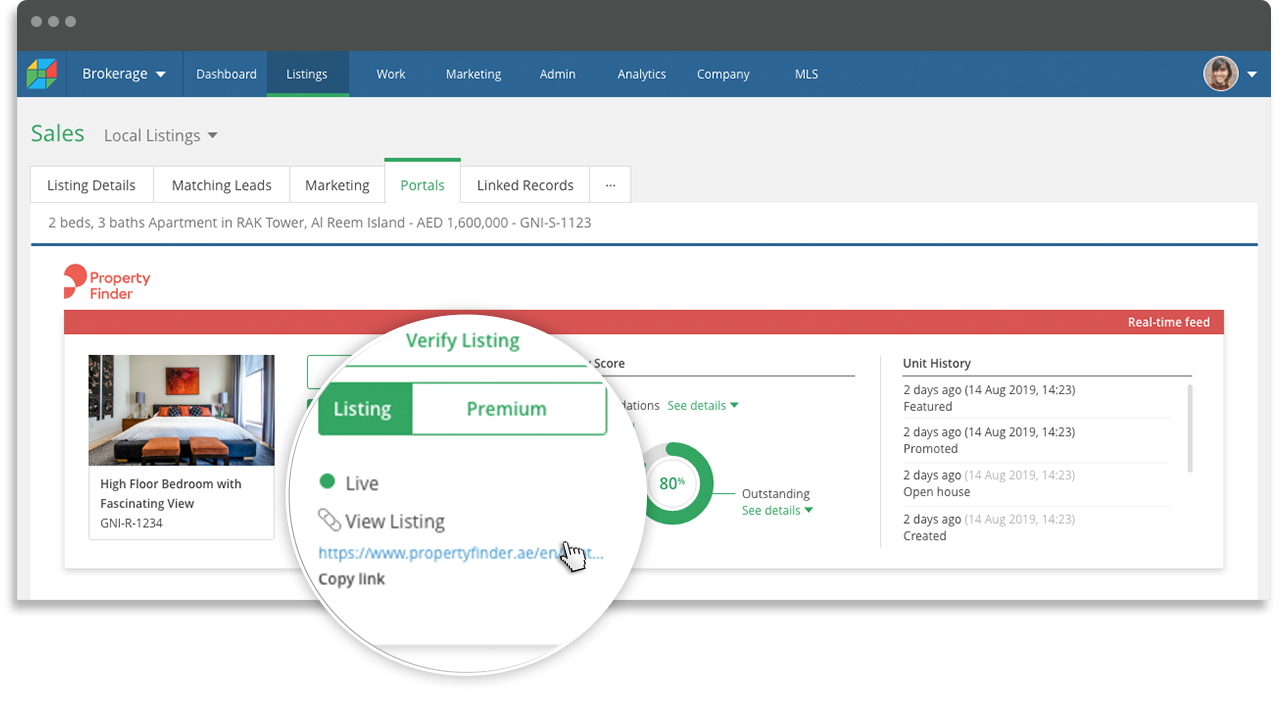
You will return to the previous screen and can see the Property Finder URL for your listing. Simply click on that link to view your listing and its new status as a Single Use Premium on Property Finder.
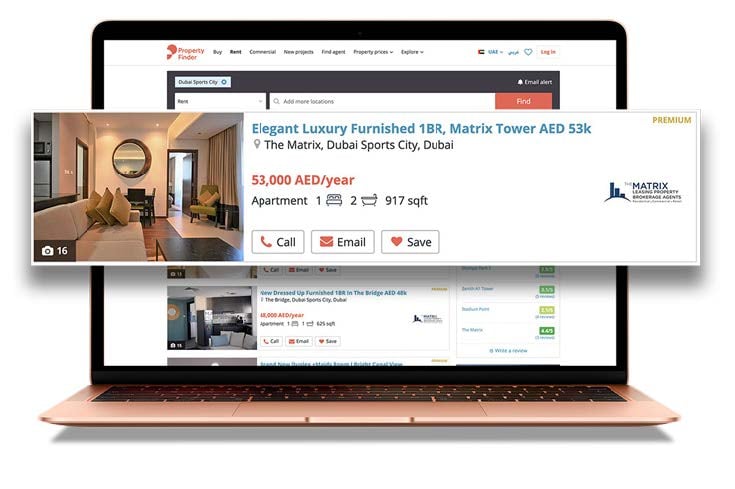
Single Use Premium is a recent feature on Property Finder to send your listings to the top of the search pages to get more visibility and significantly more leads than standard listings.

We hope you enjoy these latest updates to PropSpace.
As always, our support team is on hand to assist if you have any questions. You can contact them on support@propspace.com or +971 4 420 1044.